Elements with “cru-ncf-f_…” classes contain essential attributes required for CMS Filter and Search to function properly. Please do not delete these elements.
Style in Webflow, modify in CMS Filter and Search App
Use the CMS Filter and Search App from Webflow’s App Store to adjust your filter settings and to add more elements. All styling can be managed directly in Webflow. Refer to the Style Guide below the filter to customize elements provided by CMS Filter and Search.
In case of an issue...
... open the Dynamic Map App, click “Refresh,” then “Insert Code,” and follow the provided instructions. If this doesn’t resolve the issue, refer to our Help Center for assistance.
Please modify your styling elements here to change their appearance on the live website. The styleguide is invisible on the published site.
Favorit Button
Change the active state for your favorit button
Default State
Active State
Filter Chip
Change the active state for your filter chip
Default State
Middle
Active State
Middle
Filter Reset / Empty State
Style your list's empty state
There are no items using this filter combination.
Reset Filter
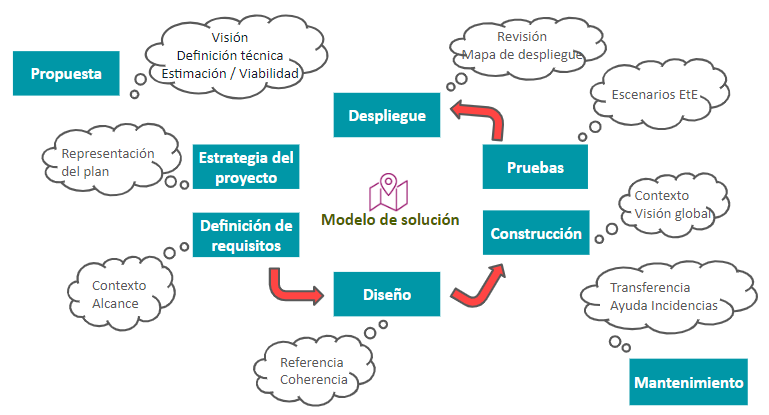
ACTIVA EL MÉTODO INITIUM
Empecemos por el plan.
Solicita un diagnóstico y te mostraremos cómo aplicar el método Initium a tus retos: una estrategia defendible, una ejecución medible y una operación sin fricción.
































































































.png)